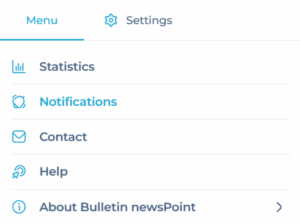
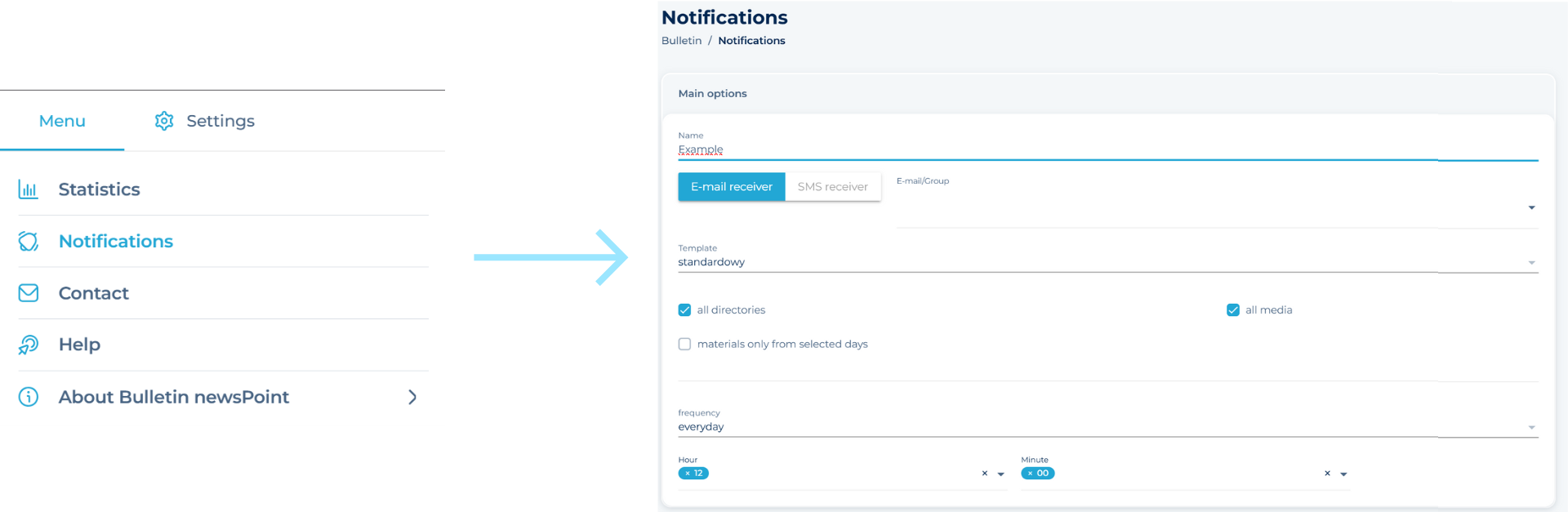
If you want to create a new notification—by email or SMS—about newly monitored publications, fill out the form located in the Main Menu at the top right corner and select the Notifications option. Enter the name of the notification, select the recipients, select the catalogues and media and the frequency of their delivery.
ADDING ANOTHER NOTIFICATION
If you want to create a new notification, fill out the form located below the list of your current notifications. Enter the notification name, select the recipients, choose the folders and media, and set the frequency for receiving them.
EDITING A NOTIFICATION
From the list of notifications, select the one you want to edit. A form will be displayed where the previously selected notification parameters are highlighted. You can change them and re-save them by clicking the Save button or discard them by clicking the Cancel button.
DELETING A NOTIFICATION
Don’t you want to receive notifications anymore? Select a notification from the list and delete it using the button located at the bottom of the Platform (Bulletin).
❗ The notification will be deleted irretrievably. If you want to receive the same notification again, create it anew.